Your wealth.
A fuller picture.
Investments, estimated property values and debts: Mengo works out your estimated net worth, with a total per currency. Tracking is manual, with no market prices or automatic conversion.
Learn more ›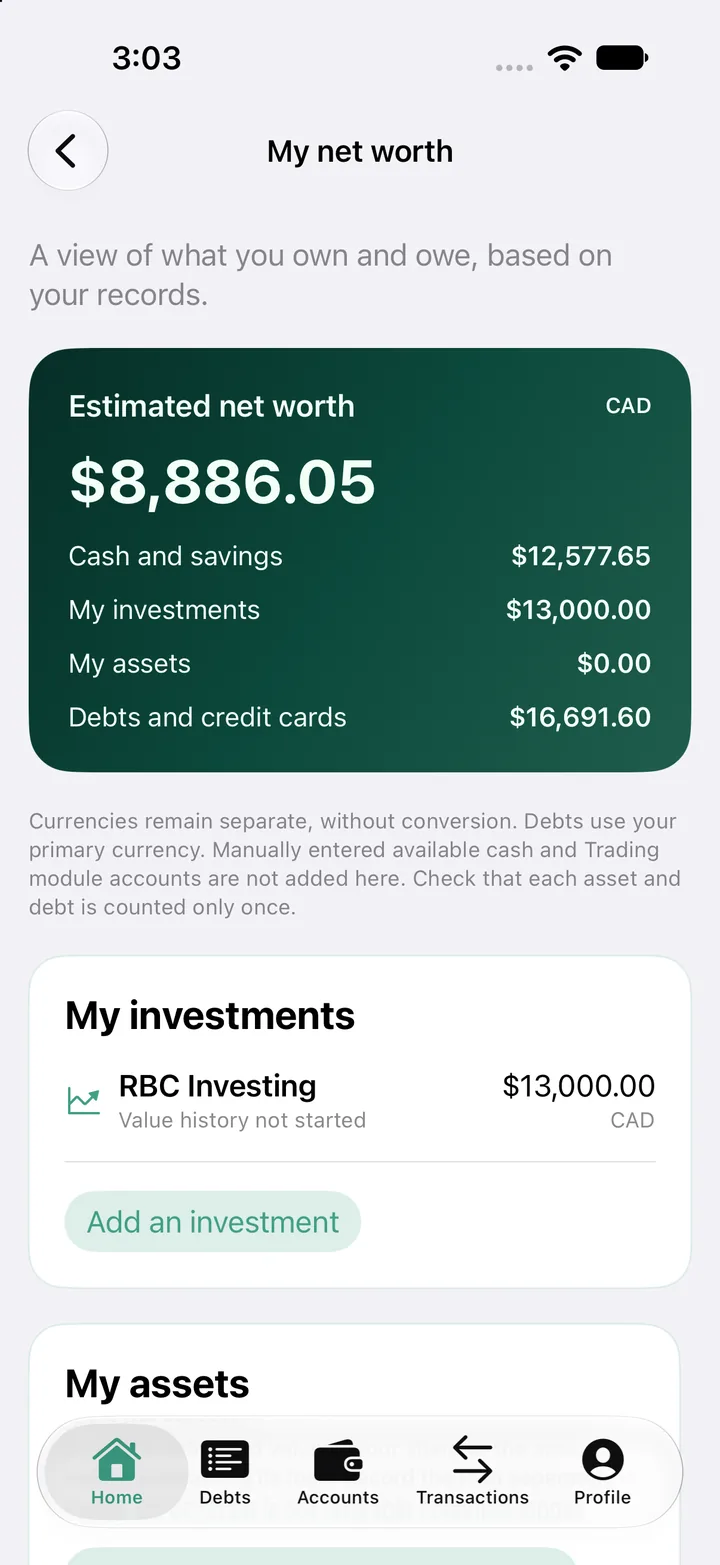
Mengo brings your accounts, payments and spending together. Track your budget, pay off debt, and get a reminder before every payment.
The iPhone version is in review with Apple. Free to start.
Investments, estimated property values and debts: Mengo works out your estimated net worth, with a total per currency. Tracking is manual, with no market prices or automatic conversion.
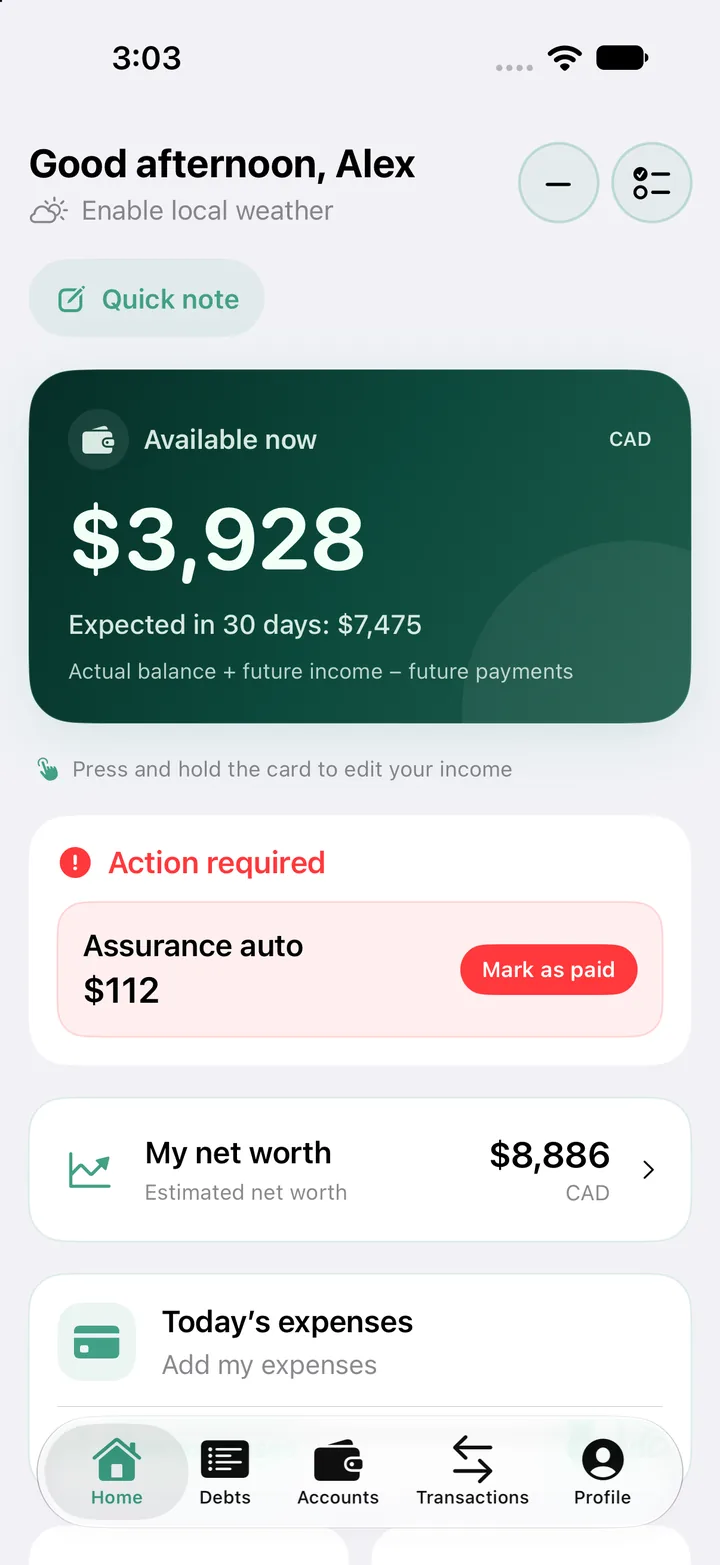
Learn more ›Your available money next to upcoming income and payments. You see right away what's really left.
Learn more ›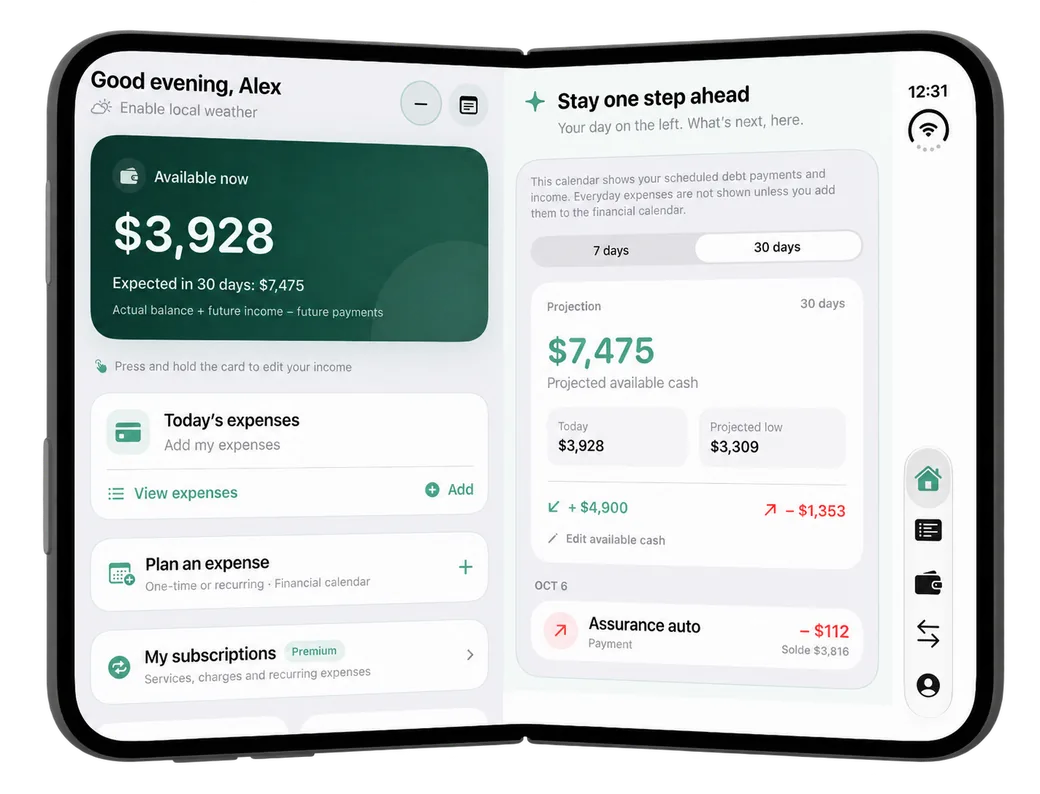
Balances, monthly payments and priorities. Mengo estimates when each debt will be paid off, excluding interest and new borrowing.
Learn more ›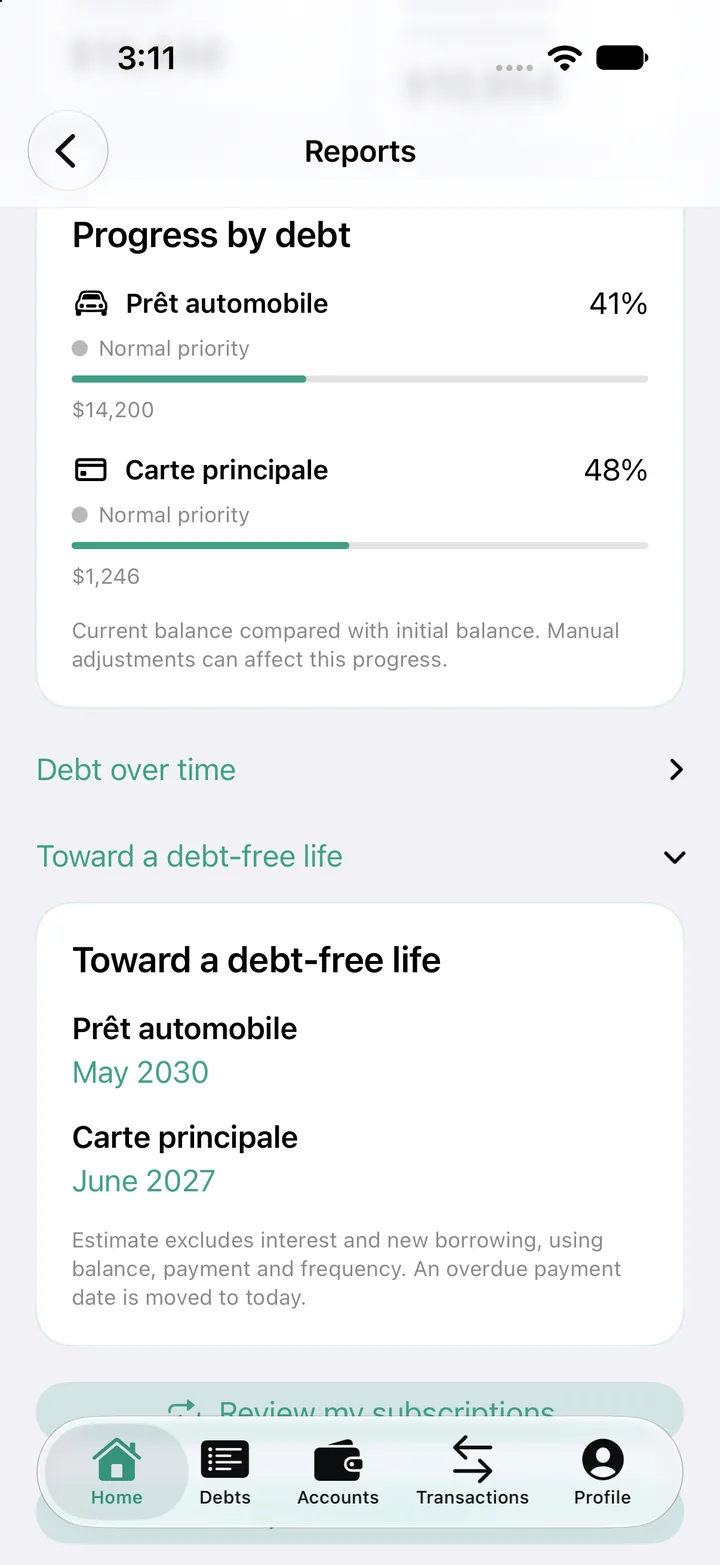
Your monthly summary, spending by category and budget tracking.
Learn more ›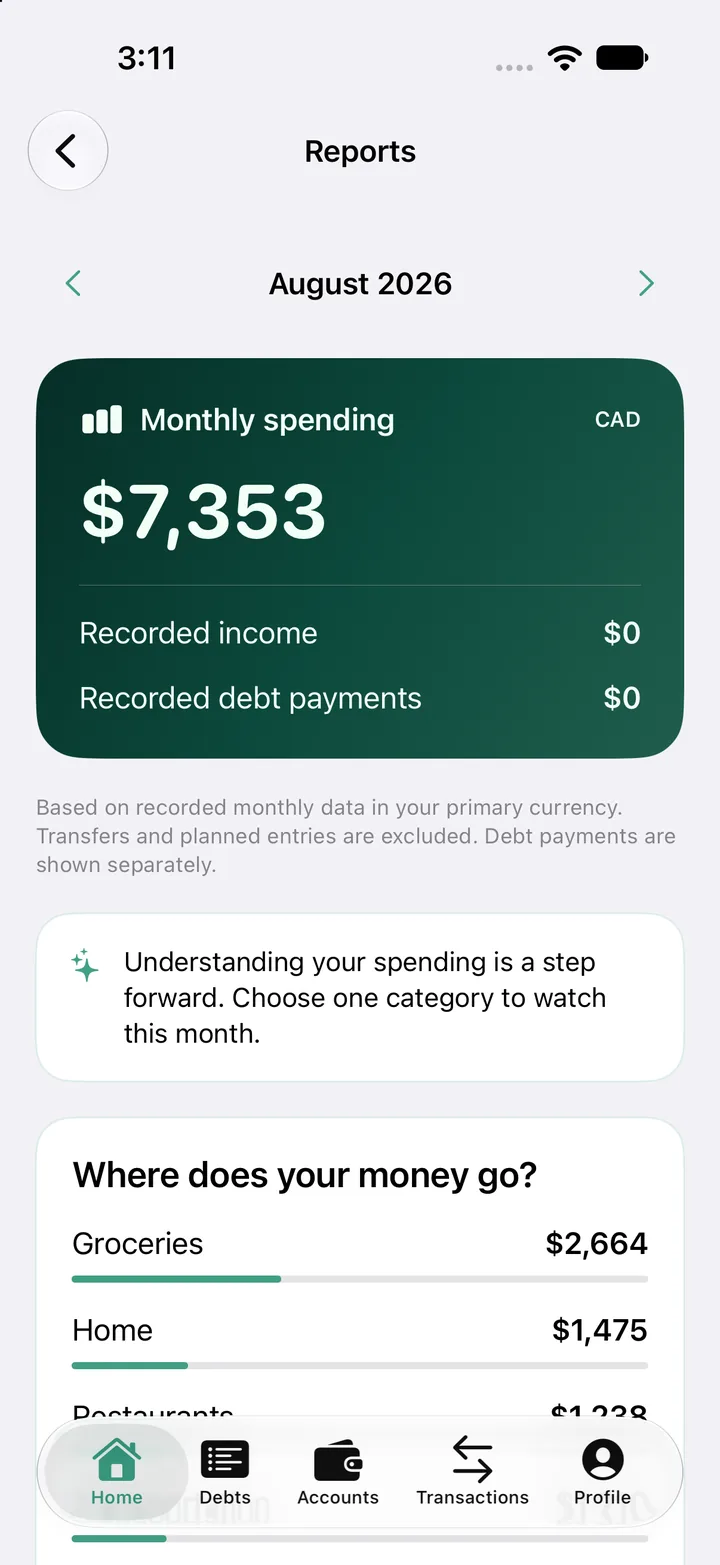
Every recurring charge and its estimated monthly cost (annual and weekly plans included), upcoming charges and the linked account.
Learn more ›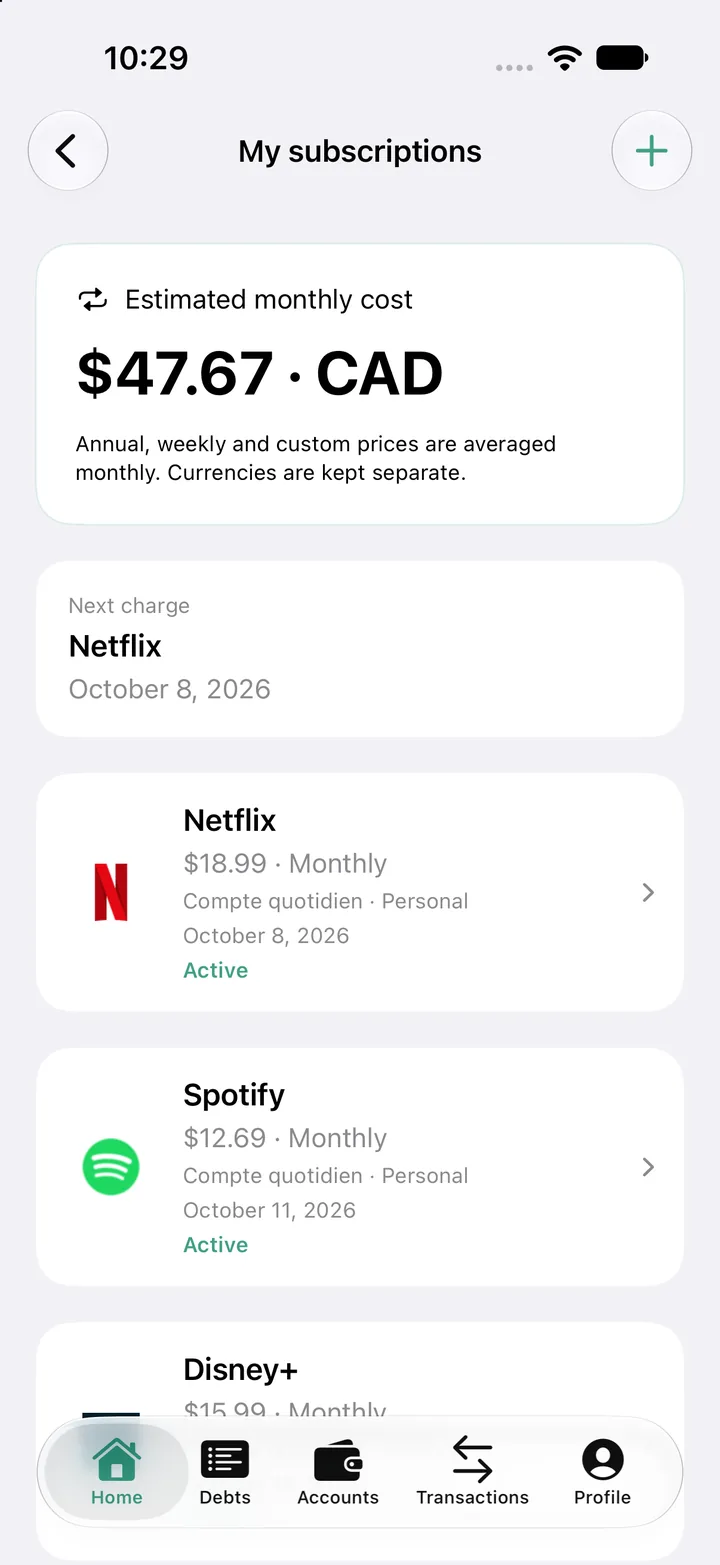
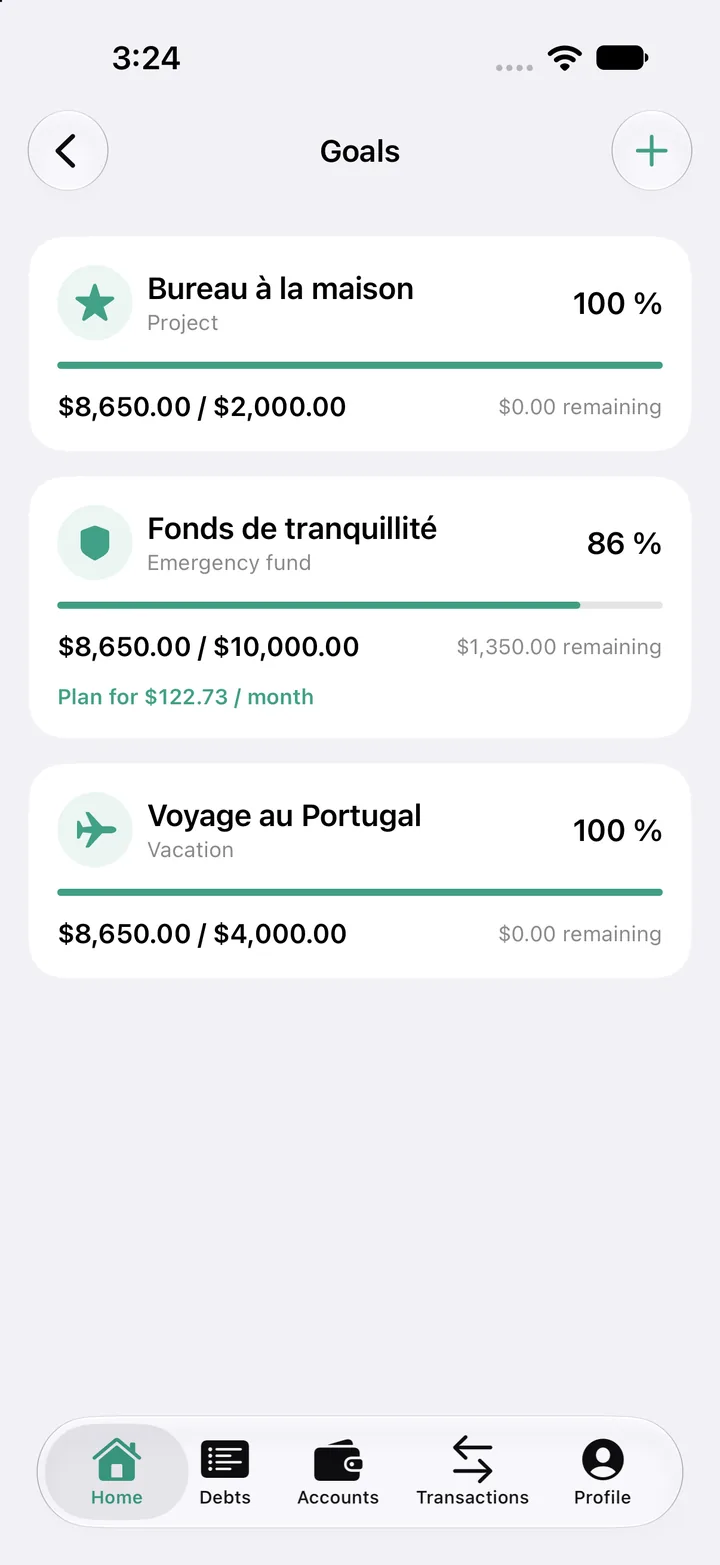
Set a target amount and a date: Mengo tracks your progress and works out how much to set aside each month.
Bank accounts and credit cards in one place, with balances and transactions. CAD and USD amounts stay separate.
Bills and transfers on a 30, 60 or 90-day calendar, with expected income and a reminder before each due date.
Amount, category, account. An expense takes seconds to add, and the weekly review keeps you on track.
Your accounts, expenses, upcoming payments and debts. With Mengo Premium: net worth, subscriptions, goals, reports, and importing PDF, CSV, OFX or QFX statements.
An expense is something you already bought. A payment is an upcoming bill or transfer, like rent or a credit card. Mengo keeps them apart to show what's really left.
Yes. The core features are free with 2 accounts and 3 debts. Mengo Premium adds the rest.
Android now, through Google Play. The iPhone and iPad version is in review with Apple. One profile syncs across Android and iOS.
No. You enter your amounts yourself or import your statements (Premium). Mengo never asks for your bank password.
Mengo follows your device language, and you can change it in Settings. It's available in English, French, Spanish, Arabic and Chinese.
Mengo is an app from Québec, Canada, operated by Modapps (9412-5655 Québec Inc.). You can reach us at info@mengo.app.
In the app, or by emailing info@mengo.app. Details are in our privacy policy.