From evaluation to payout
Record Futures or Forex evaluation purchases, reset, activation and platform fees, refunds and payouts. Pick the Mengo account you paid from: the expense is created and its balance adjusted.
One firm over three months, or all of them over a year
Select a firm such as FTMO, Take Profit Trader or Topstep, then a start and end month. Shortcuts cover the last 3 or 12 months and the previous year.
Your net result
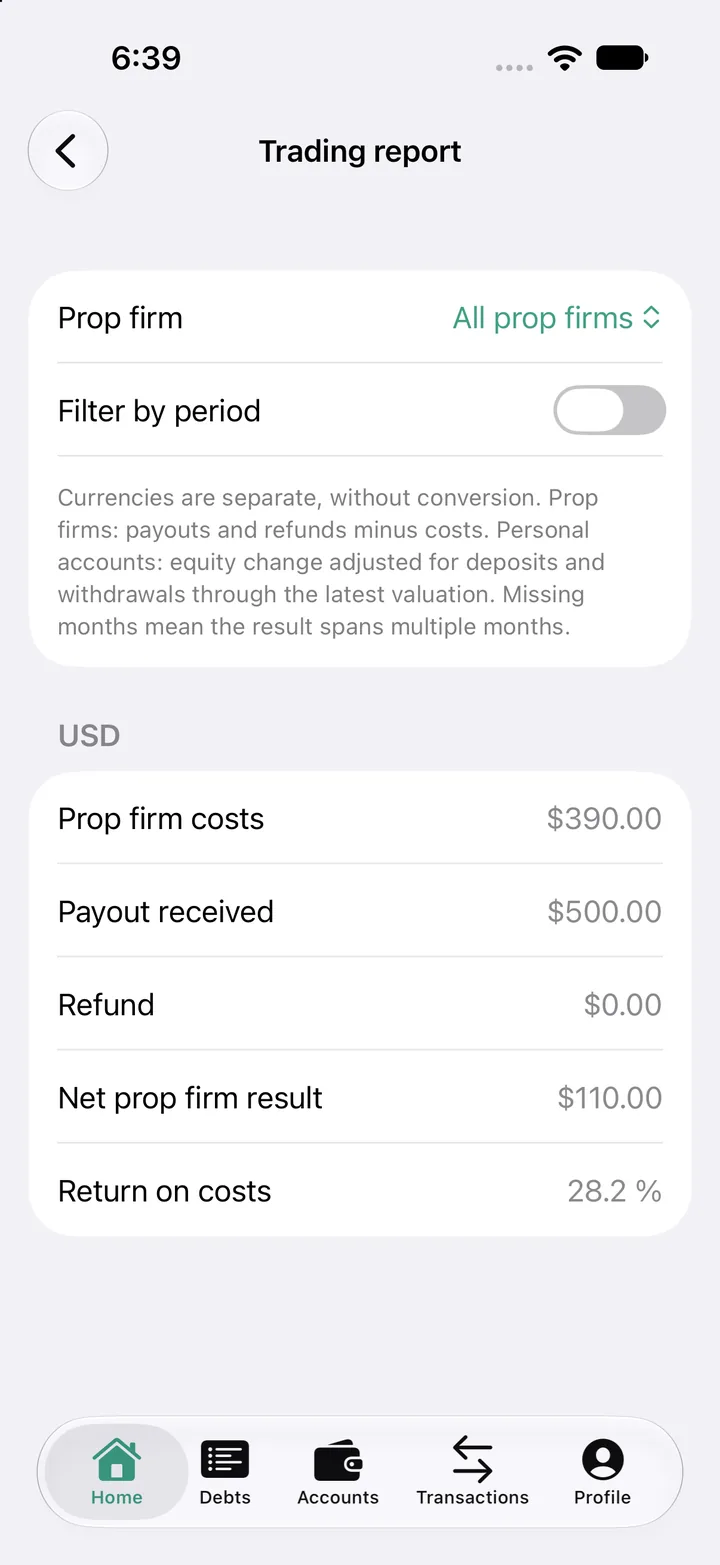
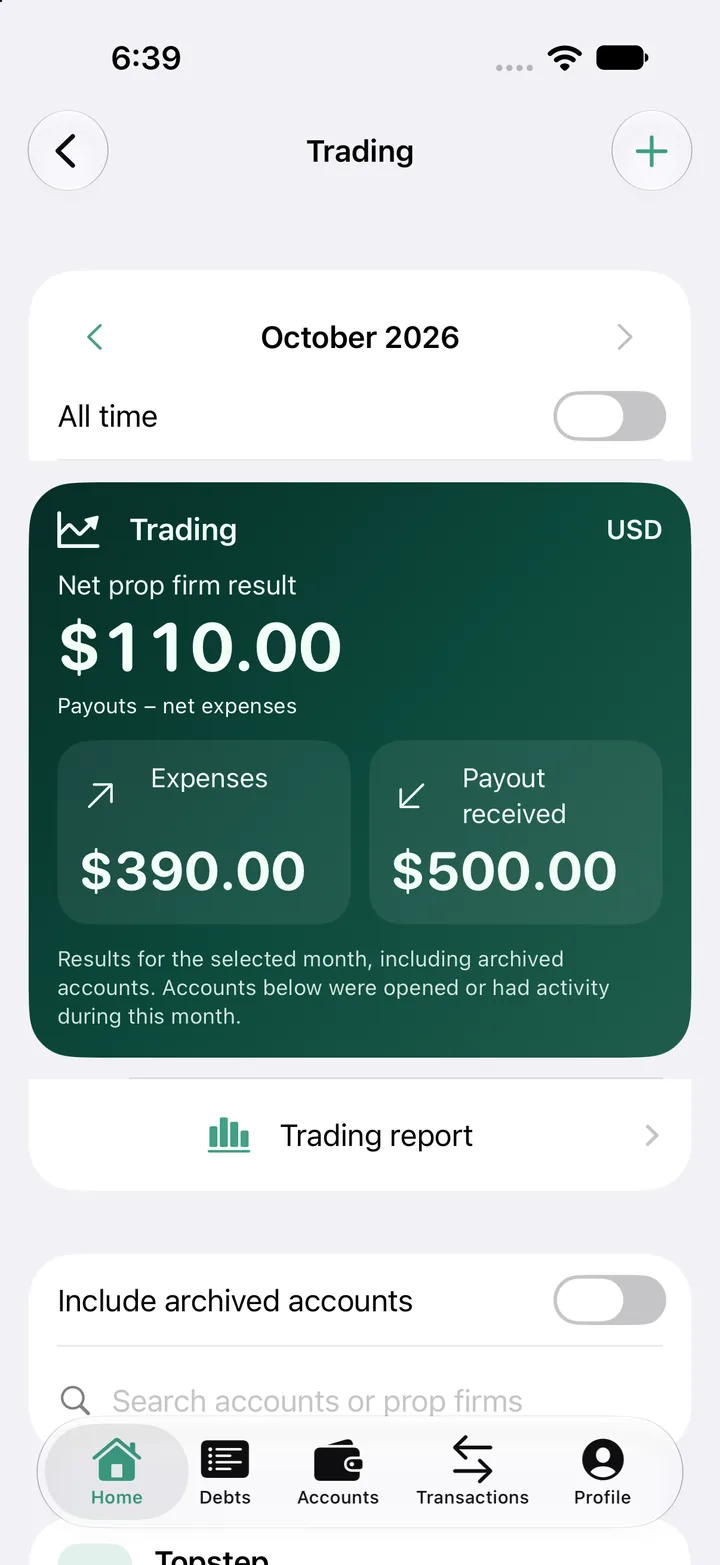
Payouts + refunds − costs = net result. In the example: USD 500 received − USD 390 in costs = USD 110 net, a 28.2% return on costs. Currencies stay separate.
Five evaluations? One entry.
Choose the firm, number of accounts, price per account and purchase date. Accounts bought from the same firm on the same day are grouped.
App screenshots · amounts shown as examples.
Frequently asked questions
Does Mengo sync with prop firms?
No. Tracking is manual: you enter purchases, fees and payouts in Mengo. Firm names help organize your accounts and do not imply an integration or partnership.
Can I track a personal trading account?
Yes. Enter your initial capital, deposits and withdrawals, then update the account value to follow its performance.
How do I access Trading?
Trading is a separately subscribed module, found in Mengo under Settings → Exclusivity.